Very few businesses run on a single application. A typical company might use an ERP for finance and operations, a CRM for sales, an online store, a payment gateway, a courier platform, a payroll provider and a handful of spreadsheets that hold everything together. Each tool is useful on its own. The problems start in the spaces between them.
System integration connects those tools so that data flows automatically and reliably, instead of being exported, re-typed or reconciled by hand.
Signs your systems need to be connected
- Orders from the online store are re-entered into the ERP every morning.
- Sales teams cannot see stock or invoice status without asking someone.
- Customer details differ between the CRM, the ERP and the email platform.
- Month-end includes manual reconciliation between bank, payment and accounting records.
- Reports require exporting data from several systems into one spreadsheet.
What to integrate first
Not every connection delivers the same value. The best starting points are the flows with the highest volume and the highest cost of errors.
E-commerce and ERP
Orders, customers, stock levels and prices synchronised automatically, so online stock is accurate and fulfilment starts the moment an order is placed.
CRM and ERP
Sales teams see real stock, pricing and payment status in the CRM, while confirmed deals flow into the ERP as orders without re-entry.
Payments, banking and accounting
Payment gateway settlements and bank statements matched to invoices automatically, reducing manual reconciliation.
Logistics and couriers
Shipping labels, tracking numbers and delivery status passed between the ERP and courier platforms, with customers notified automatically.
How integrations are built
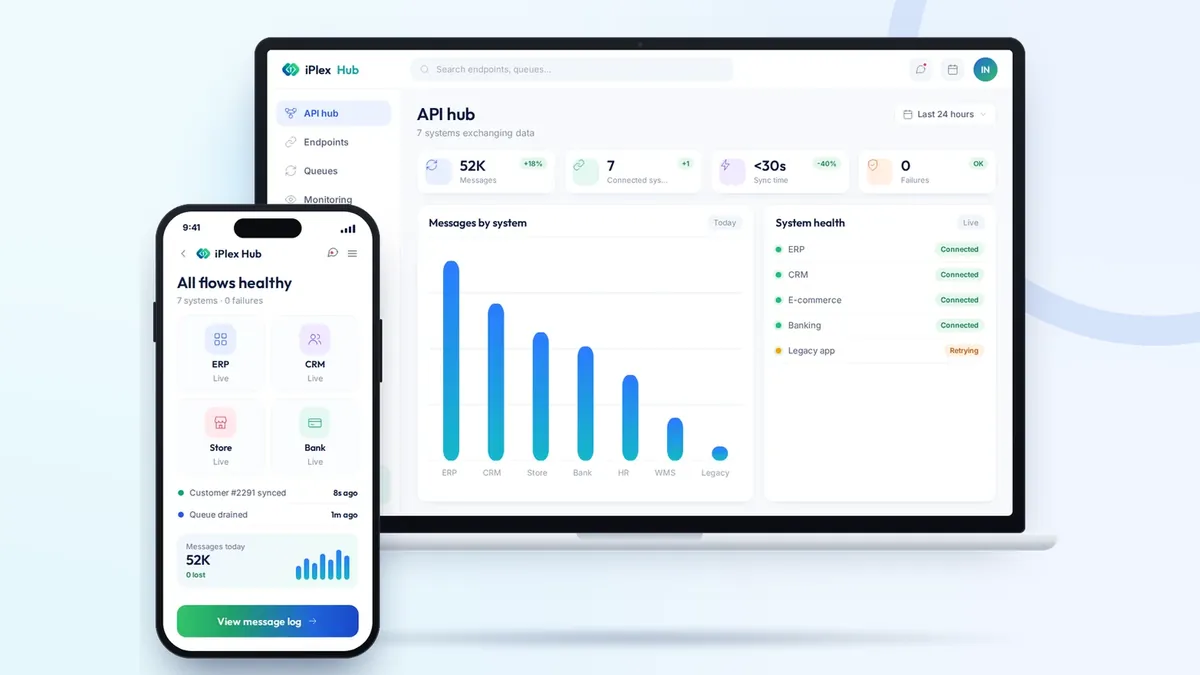
Most modern platforms expose APIs (application programming interfaces) that allow systems to exchange data securely. Depending on the tools involved, an integration may use direct API calls, webhooks that react to events in real time, scheduled synchronisation for large data sets, or a central integration layer that manages several connections in one place.
The right architecture depends on volume, how quickly data must arrive and how many systems are involved. A central hub becomes valuable once more than two or three systems need to share the same information.
Making integrations reliable
- Clear data ownership — decide which system is the master for each type of data, such as customers, products or prices.
- Error handling and retries — temporary failures should retry automatically and alert someone if they persist.
- Monitoring and logs — a simple dashboard showing what synced, what failed and why.
- Security — encrypted connections, restricted credentials and only the data each system actually needs.
The business impact
Well-designed integrations remove repetitive manual work, reduce errors and give every team access to current information in the tool they already use. They also make it easier to add new channels or applications later, because the connection patterns are already in place.
A practical first step is to map the systems you use today and the data that moves between them. That map quickly shows which connections will save the most time and should be built first.
Need help with your project? Talk to the iPlexSoft team for a free, no-obligation consultation.